



















Remote teams in 2026 need platforms that unify communication, project tracking, and document sharing across distributed locations. After evaluating dozens of solutions, we’ve identified seven tools that consistently deliver measurable improvements in alignment and output.
Here are the seven remote team collaboration tools covered in this guide:
- ONES — Best for enterprise R&D and complex delivery pipelines
- monday.com — Best for visual project management and automation
- Asana — Best for task-heavy teams seeking clarity
- Jira — Best for Agile software development teams
- Trello — Best for simple, visual project tracking
- Notion — Best for documentation and flexible workspaces
- Microsoft Teams — Best for organizations embedded in the Microsoft ecosystem
Key Findings: Selecting the Right Collaboration Platform
Centralized platforms reduce friction for distributed teams by consolidating conversations, tasks, and files. Automation capabilities demonstrably reduce manual work, while shared visibility into progress strengthens accountability across time zones. The tools below represent distinct approaches to solving these challenges, from lightweight kanban boards to comprehensive enterprise suites.
Top Remote Team Collaboration Tools for 2026
The following platforms were assessed through hands-on testing in live collaborative scenarios, with emphasis on daily usability, integration depth, and scalability.
1. ONES — Best for Enterprise R&D and Complex Delivery Pipelines
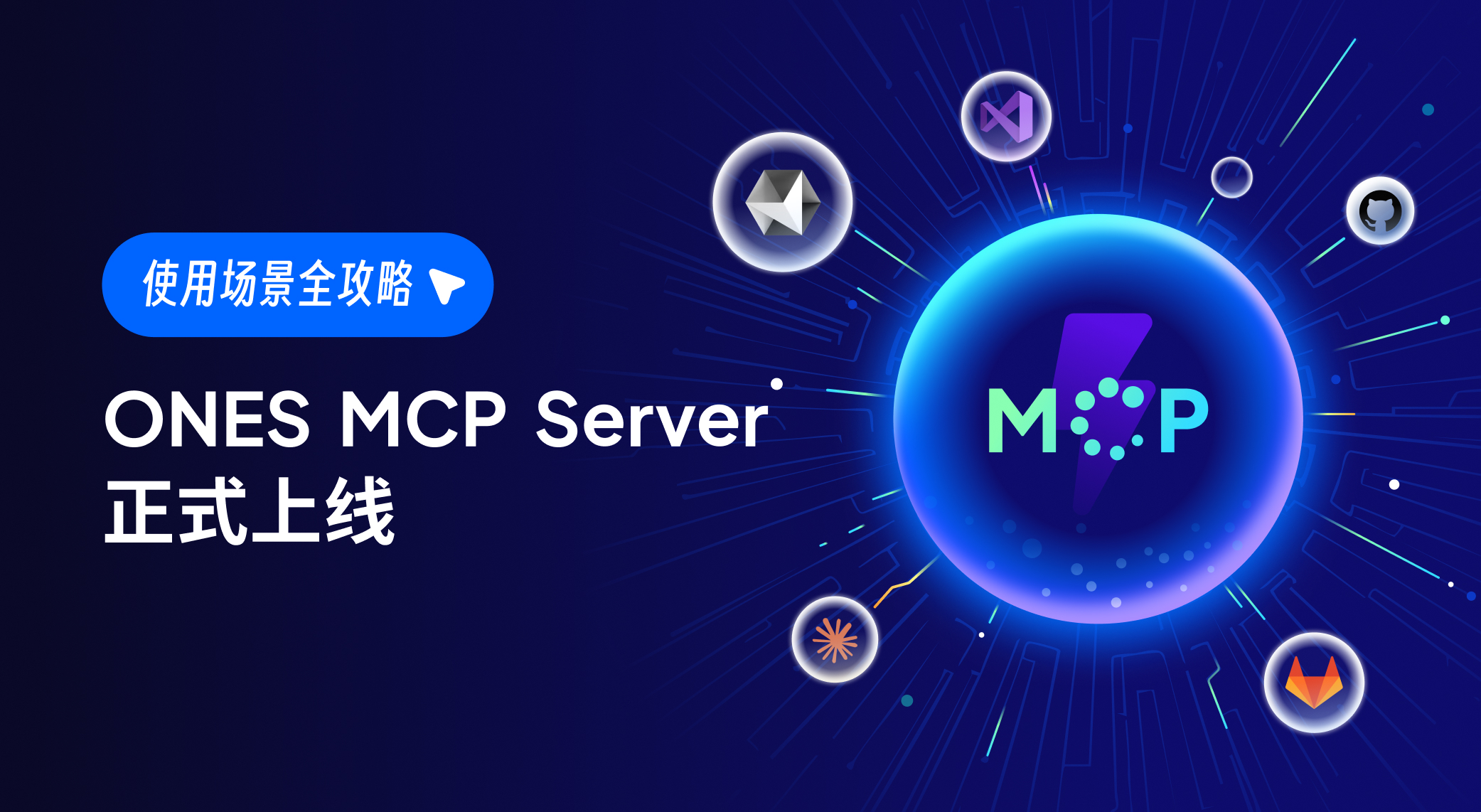
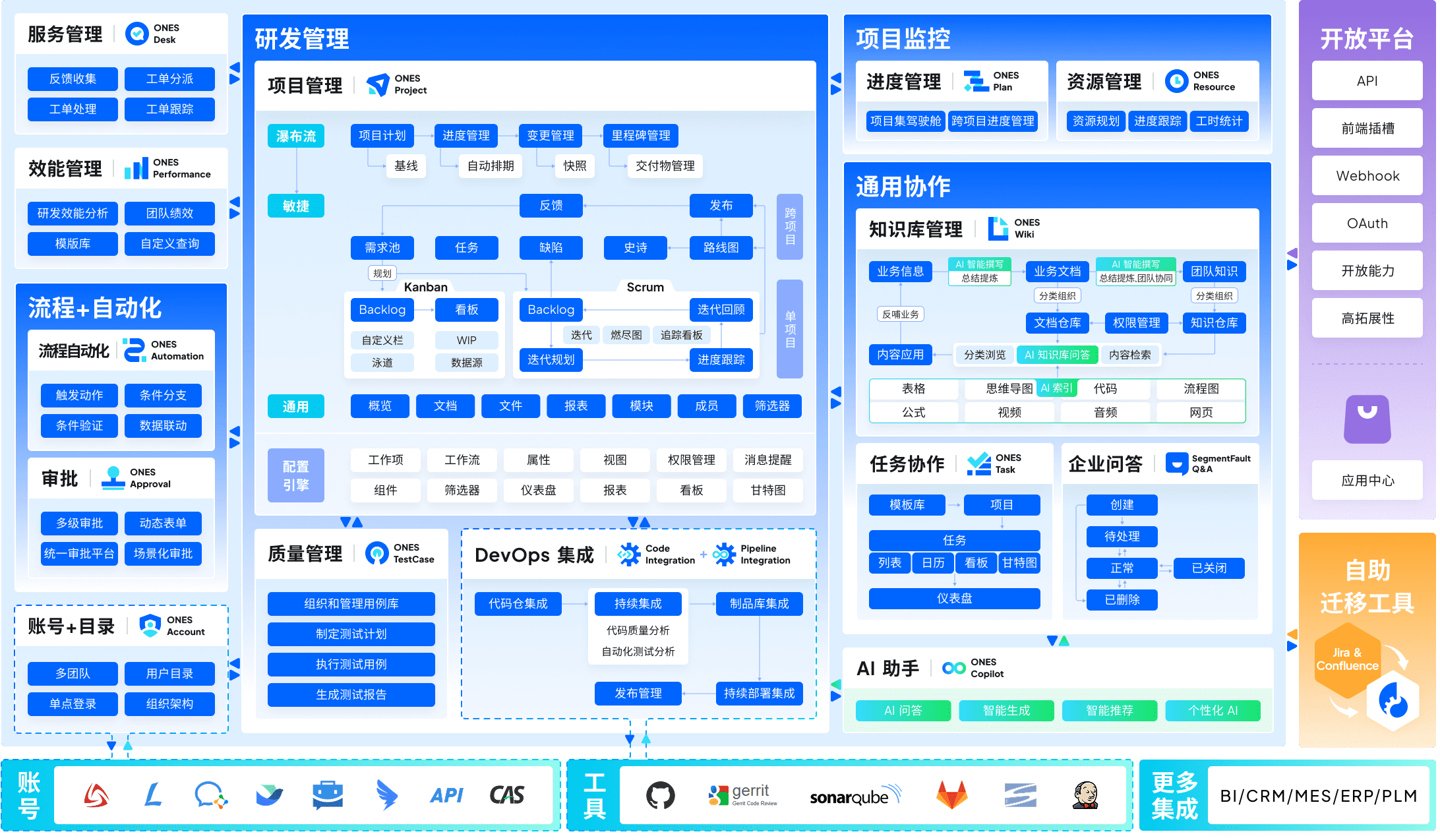
ONES serves as an enterprise-grade R&D management platform designed to eliminate tool fragmentation across the delivery lifecycle. It unifies project management, requirements tracking, knowledge repositories, test management, CI/CD pipelines, and code management within a single architecture.
The platform addresses a critical pain point for scaling technical organizations: the accumulation of disconnected point solutions that obscure visibility and complicate governance. ONES provides configurable workflow engines, granular permission frameworks, and cross-functional collaboration structures suited to organizations with hundreds or thousands of contributors.
A distinguishing emphasis lies in engineering effectiveness measurement. The platform surfaces metrics around delivery quality, throughput, and cycle efficiency, enabling leadership to identify bottlenecks through data rather than anecdote.
Core strengths:
- End-to-end coverage of the R&D lifecycle without external tool dependencies
- Sophisticated process configuration and access control for regulated environments
- Built-in analytics for continuous improvement of delivery performance
Considerations:
- Implementation complexity reflects its enterprise targeting
- Resource requirements may exceed smaller team needs
Ideal for: Mid-to-large technical organizations, particularly those in software, hardware, or embedded systems development, requiring unified governance across multiple product lines or business units.
2. monday.com — Best for Visual Project Management and Automation
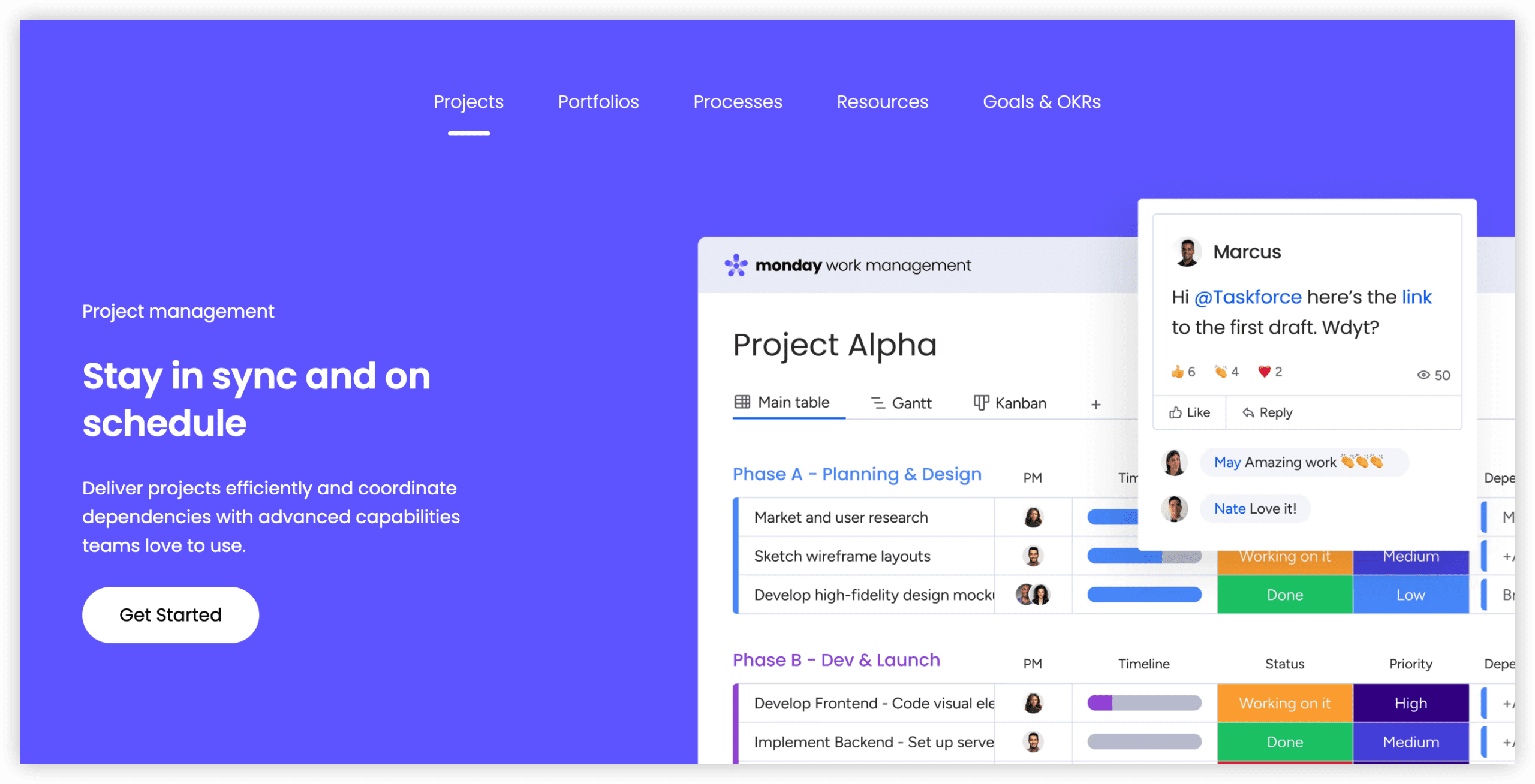
monday.com distinguishes itself through highly visual board-based interfaces that translate complex workstreams into accessible, color-coded representations. The platform’s automation engine enables teams to construct rule-driven workflows that trigger actions across tools without manual intervention.
During evaluation, the platform demonstrated particular strength in reducing status-update overhead. Shared dashboards provide at-a-glance progress visibility that minimizes synchronous check-ins for distributed contributors.
Pricing: Standard plan from $12 per seat monthly, billed annually; free tier available for up to two users.
Core strengths:
- Intuitive visual design lowers adoption barriers
- Robust native automation reduces repetitive administrative tasks
- Strong collaborative features including internal communication tools
Considerations:
- Advanced capabilities restricted to higher pricing tiers
- Free plan limitations may constrain early-stage evaluation
Ideal for: Small to midsize cross-functional teams prioritizing visibility and workflow efficiency over deep technical integration.
3. Asana — Best for Task-Heavy Teams Seeking Clarity
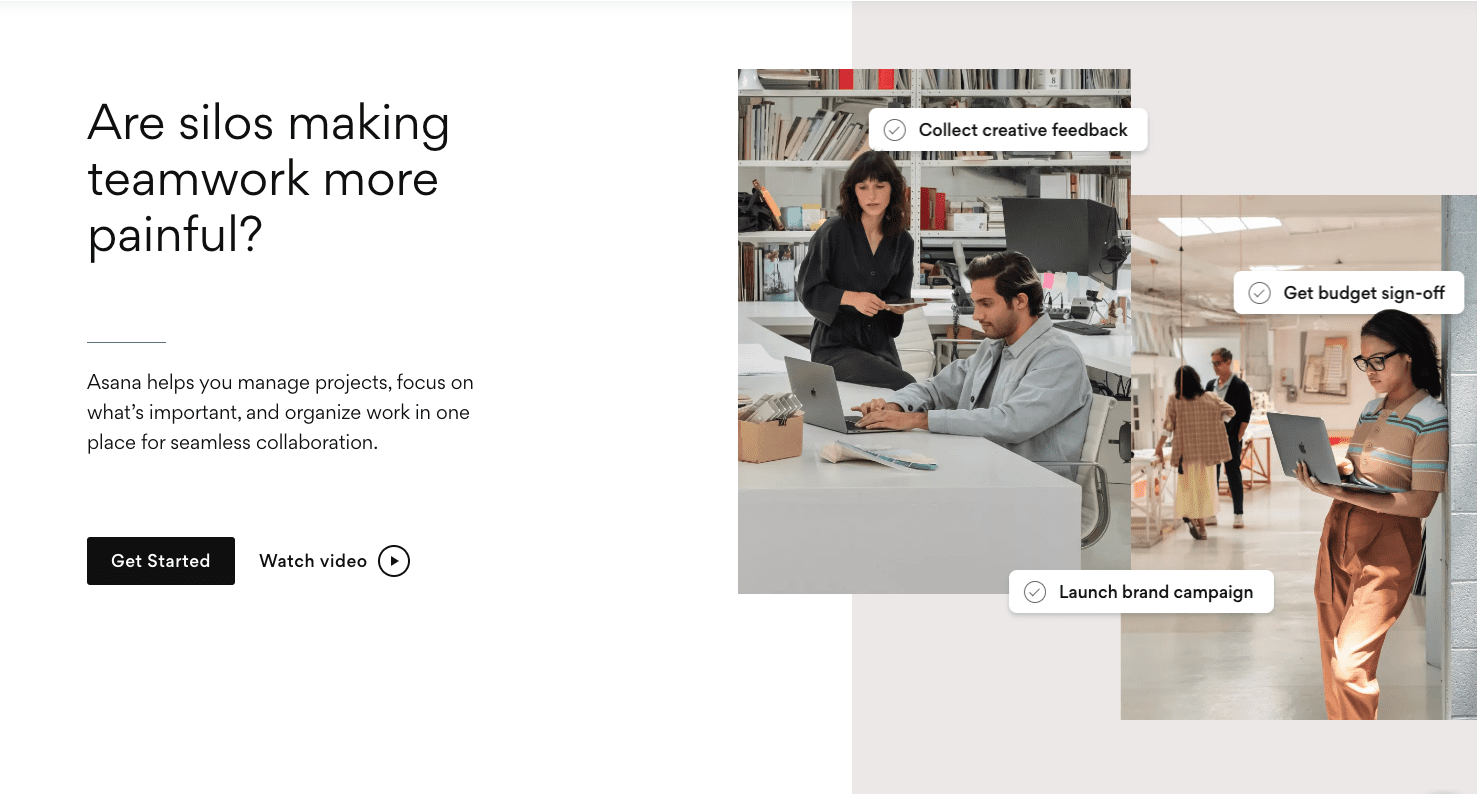
Asana organizes work around structured task hierarchies, timelines, and dependency mapping. The platform excels at clarifying accountability—each item carries explicit ownership, due dates, and relationship context that helps distributed teams coordinate without constant realignment meetings.
The timeline view proved especially valuable during testing for identifying critical path risks and resource conflicts across concurrent initiatives.
Pricing: Starter plan from $10.99 per user monthly, billed annually; free plan supports up to two users.
Core strengths:
- Clear visualization of task interdependencies
- Well-designed timeline for project planning
- Functional free tier for smaller teams
Considerations:
- Reporting depth limited on entry plans
- Scale complexity may overwhelm larger implementations without administrative discipline
Ideal for: Operations, marketing, and product teams managing intricate task networks across departmental boundaries.
4. Jira — Best for Agile Software Development Teams
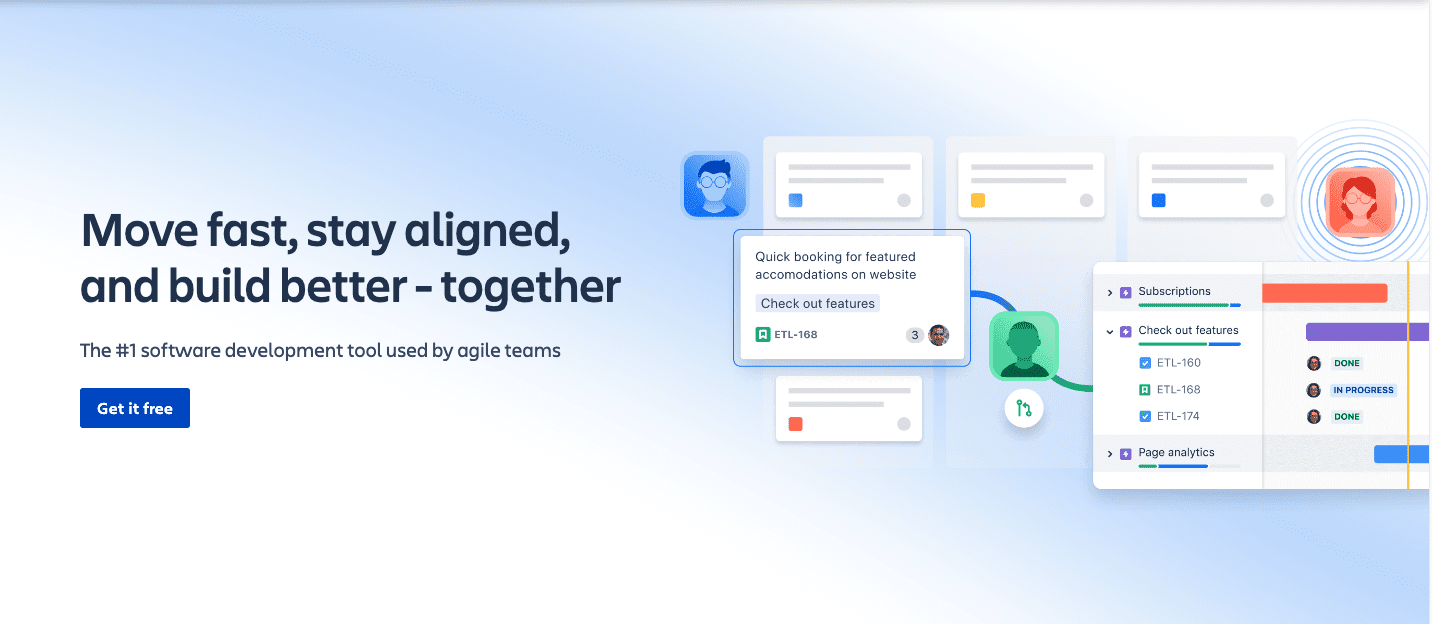
Jira remains the established standard for Agile practitioners, offering purpose-built support for Scrum and kanban methodologies. The platform’s issue-tracking architecture provides granular visibility into sprint progress, release readiness, and technical debt accumulation.
Integration depth with developer tools—version control, CI/CD systems, and documentation platforms—creates a connected ecosystem that reduces context switching for technical contributors.
Pricing: Standard plan from $9.05 per user monthly; free tier accommodates up to ten users.
Core strengths:
- Comprehensive Agile ceremony support
- Extensive integration marketplace
- Configurable workflows matching diverse development practices
Considerations:
- Configuration complexity demands dedicated administration
- Interface density presents friction for non-technical stakeholders
Ideal for: Software engineering, DevOps, and technical support organizations committed to Agile frameworks at scale.
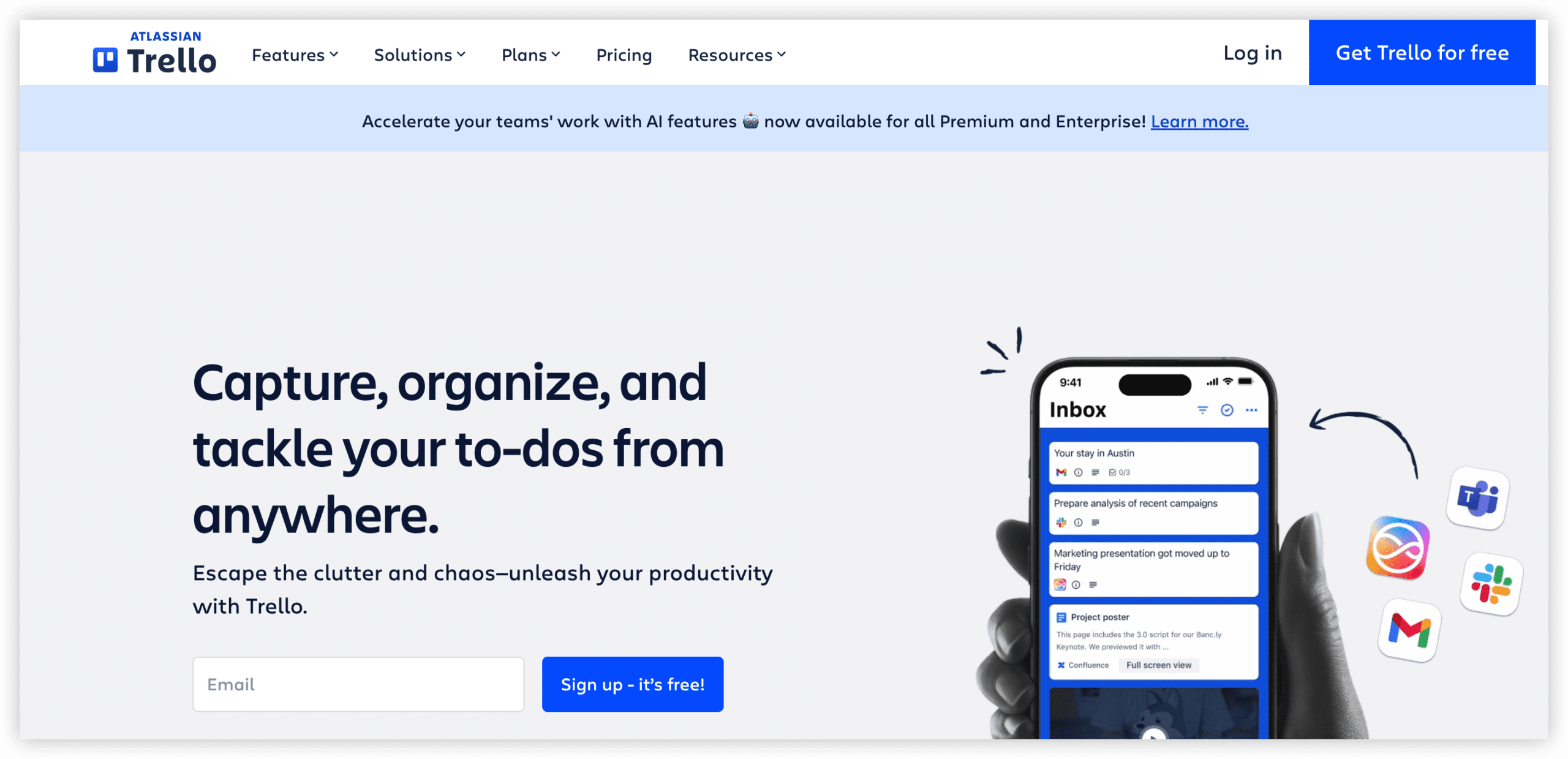
5. Trello — Best for Simple, Visual Project Tracking
Trello’s card-based kanban approach prioritizes immediacy over comprehensiveness. The platform enables rapid board creation with minimal setup, making it suitable for straightforward workflows where elaborate structure would impede rather than assist progress.
The Butler automation layer adds programmable logic to otherwise manual card movements, extending utility without sacrificing simplicity.
Pricing: Standard plan from $5 per user monthly, billed annually; generous free tier available.
Core strengths:
- Minimal learning curve enables immediate team adoption
- Clean, distraction-free interface
- Low cost of entry
Considerations:
- Limited native support for complex project structures
- Scaling challenges for multi-team coordination
Ideal for: Small teams, personal productivity, or straightforward workflows where speed of setup outweighs analytical depth.
6. Notion — Best for Documentation and Flexible Workspaces
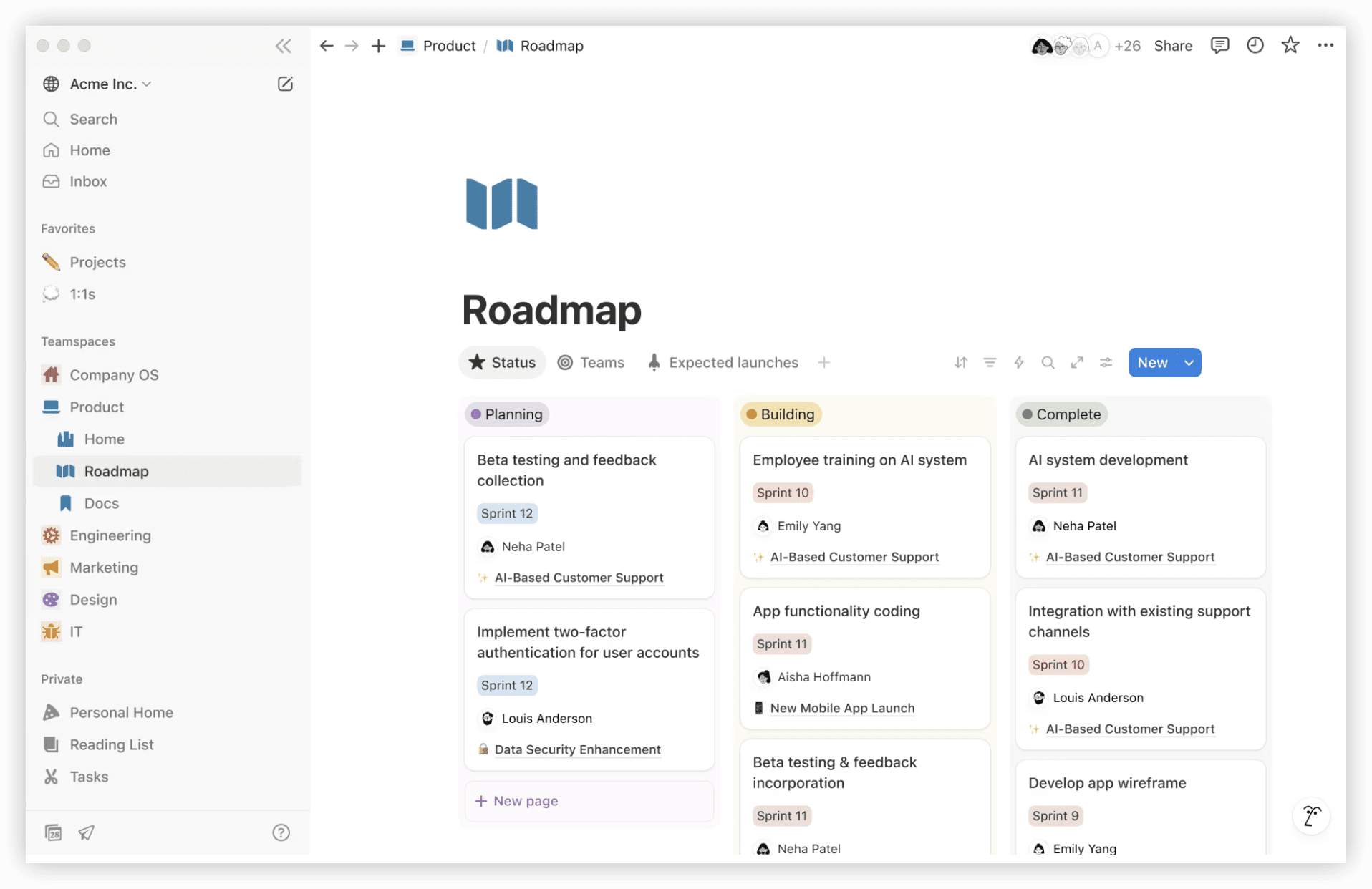
Notion collapses notes, databases, wikis, and task management into a configurable workspace that adapts to team-specific information architectures. The platform’s block-based editing system enables rapid construction of interconnected knowledge repositories.
During evaluation, Notion demonstrated particular strength as a single source of truth for teams generating substantial documentation alongside active project execution.
Pricing: Plus plan from $10 per user monthly, billed annually; free personal use tier available.
Core strengths:
- Exceptional flexibility in information structuring
- Unified context for documentation and operational tasks
- Strong template ecosystem accelerating workspace construction
Considerations:
- Performance degradation observed in large, heavily interconnected workspaces
- Flexibility requires intentional governance to prevent structural chaos
Ideal for: Knowledge-intensive teams, startups, and organizations where documentation culture is central to operational effectiveness.
7. Microsoft Teams — Best for Organizations Embedded in the Microsoft Ecosystem
Microsoft Teams functions as a centralized hub integrating persistent chat, video conferencing, file collaboration, and third-party applications. Deep native connectivity with Office 365 creates seamless document co-authoring and meeting workflows for organizations already invested in Microsoft infrastructure.
The platform’s strength lies in reducing application switching rather than introducing novel collaboration paradigms.
Pricing: Essentials plan from $4 per user monthly, billed annually.
Core strengths:
- Native Office integration eliminates friction for document-centric workflows
- Enterprise-grade security and compliance certifications
- Comprehensive communication modality coverage
Considerations:
- Interface density can overwhelm smaller teams
- Project management capabilities require supplemental tools
Ideal for: Established enterprises with significant Microsoft licensing investments and compliance-sensitive operating environments.
Comparative Overview
| Platform | Free Tier | Entry Price (Annual) | Primary View Types | Native Automation | Best Fit |
|---|---|---|---|---|---|
| ONES | Limited trial | Enterprise pricing | Customizable workflows, dashboards | Advanced | Large R&D organizations |
| monday.com | 2 users | $12/seat/month | Board, Gantt, calendar, table | Strong | Visual-oriented teams |
| Asana | 2 users | $10.99/user/month | List, timeline, board, calendar | Moderate | Task-complex operations |
| Jira | 10 users | $9.05/user/month | Scrum, kanban, roadmap | Extensive | Agile development teams |
| Trello | Unlimited cards | $5/user/month | Kanban board | Basic (Butler) | Simple workflows |
| Notion | Personal use | $10/user/month | Page, database, calendar | Database-triggered | Documentation-centric teams |
| Microsoft Teams | Individual | $4/user/month | Channel, list | Workflow-based | Microsoft-committed enterprises |
Platform Capabilities in Depth
View Flexibility and Visualization
ONES and monday.com offer the most adaptable presentation layers for complex workstreams. Jira provides specialized Agile views that technical teams find indispensable. Trello’s intentional constraint to kanban represents a philosophical choice favoring speed over versatility.
Automation Sophistication
Jira and ONES lead in workflow automation depth, with rule engines supporting conditional logic across extensive integration ecosystems. monday.com balances accessibility with capability, while Trello’s Butler offers sufficient automation for uncomplicated workflows.
Integration Architecture
Jira’s marketplace exceeds 3,000 integrations, reflecting its established developer community. Microsoft Teams leverages Office 365 connectivity as its primary integration advantage. ONES emphasizes native capability breadth to minimize external dependencies.
Administrative Control
ONES and Microsoft Teams provide the most granular governance frameworks, with hierarchical permissions and audit capabilities suited to regulated industries. Asana and monday.com offer adequate controls for most commercial contexts without equivalent administrative complexity.
Selection Guidance
Choosing appropriately requires honest assessment of organizational maturity, technical complexity, and existing infrastructure investments.
Select ONES when managing multi-team R&D programs requiring unified requirements-to-release traceability, particularly where delivery metrics inform strategic decisions.
Select monday.com when visual clarity and automation accessibility outweigh need for deep technical integration.
Select Asana when task volume and dependency complexity demand rigorous structure without development-specific tooling.
Select Jira when practicing formal Agile methodologies with engineering teams requiring sprint-level precision.
Select Trello when simplicity and immediate usability supersede analytical requirements.
Select Notion when knowledge management and workspace flexibility are primary objectives.
Select Microsoft Teams when existing Microsoft infrastructure creates natural synergy and compliance requirements favor established enterprise vendors.
Frequently Asked Questions
Which collaboration platform suits technical teams with complex delivery pipelines?
Technical organizations managing end-to-end R&D lifecycles should evaluate ONES for its unified approach to requirements, development, testing, and release management. Teams practicing Agile software development may alternatively prefer Jira’s methodology-specific tooling.
What distinguishes enterprise-grade platforms from team-level solutions?
Enterprise platforms provide configurable governance frameworks, granular access controls, cross-organizational visibility, and analytics capabilities supporting strategic decision-making. Team-level solutions prioritize immediate usability over administrative depth.
How should organizations approach tool consolidation versus best-of-breed strategies?
Consolidation reduces integration maintenance and context switching but may sacrifice specialized capability. Best-of-breed approaches optimize specific functions at cost of architectural complexity. ONES attempts to bridge this gap through breadth of native coverage.
What role should automation play in platform selection?
Automation value correlates with workflow repetition and team scale. Organizations should map their highest-frequency manual processes against platform automation capabilities before prioritizing this dimension.
How significant is free tier availability for long-term planning?
Free tiers enable evaluation but rarely sustain productive team operation at scale. Pricing evaluation should focus on projected team size and required capabilities rather than entry-point cost alone.
Conclusion
The remote collaboration landscape in 2026 offers viable paths for diverse organizational contexts. ONES addresses enterprise R&D complexity through unified lifecycle management. monday.com and Asana serve teams prioritizing visual clarity and task structure respectively. Jira maintains its position among Agile practitioners. Trello and Notion occupy distinct niches of simplicity and flexibility. Microsoft Teams delivers for organizations seeking consolidation within familiar infrastructure.
Effective selection demands alignment between platform strengths and specific operational requirements rather than pursuit of abstract capability maximization.